The Systematic Approach to Document QC
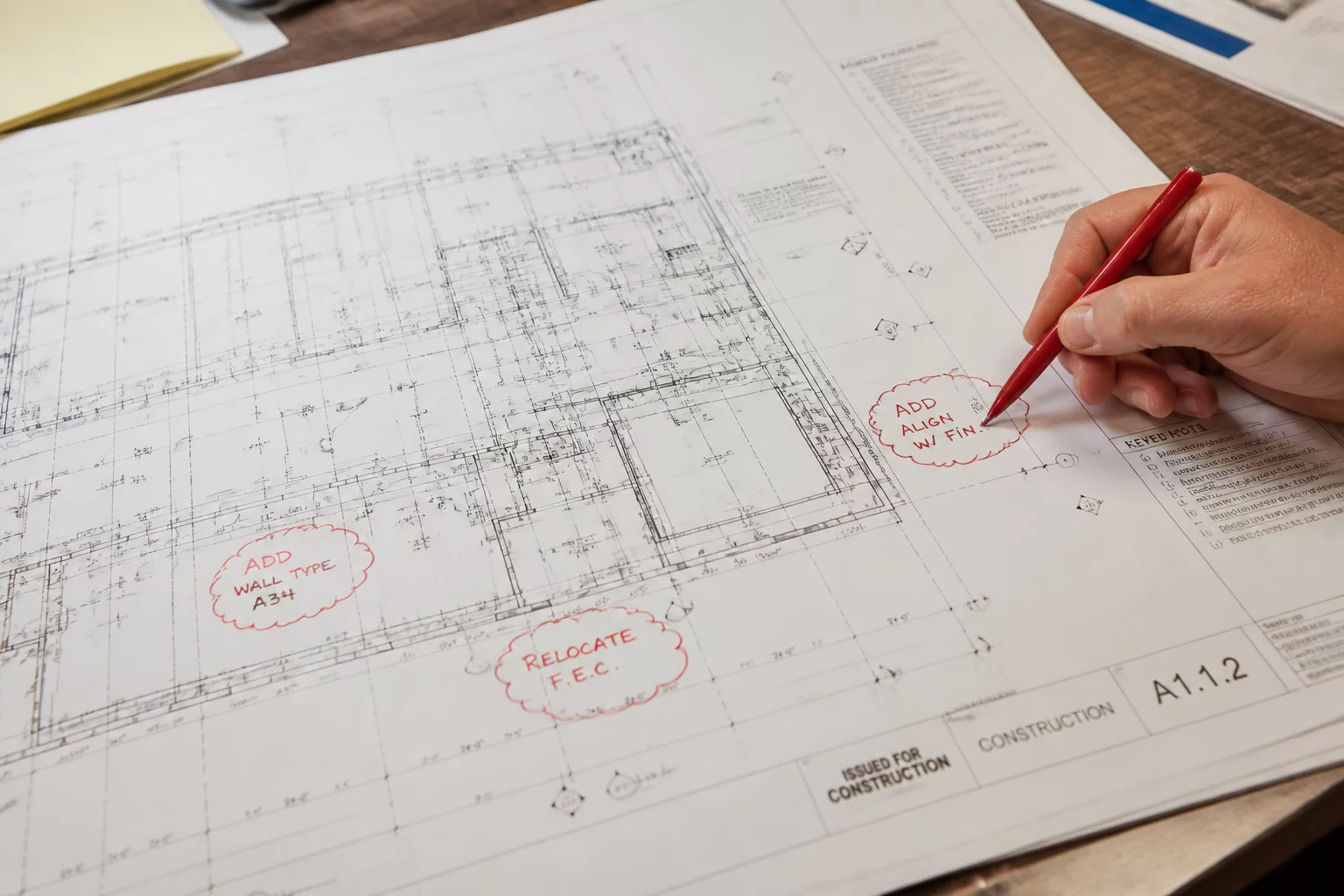
Reviewing a drawing revision isn't just about spotting the new red lines; it’s about understanding the ripple effect that a single change has across the entire set. When you receive a revised sheet, your first task is to establish a baseline. You need to compare the previous version to the current one using an overlay method—either digitally through Bluebeam Revu's 'Compare Documents' feature or manually if necessary. The goal is to identify what was changed, what was added, and just as importantly, what was deleted without a revision cloud.
Checking Beyond the Clouds
Designers are human, and sometimes they miss a cloud. Standard practice dictates that every change should be clouded and tagged with the appropriate revision number. However, you must look beyond these visual markers. Ask yourself: does this change impact the door schedule? If a partition wall moves even six inches, the reflected ceiling plan, the electrical outlets, and the mechanical diffusers all need to be verified for coordination.
Cross-Discipline Impact Analysis
A revision in the architectural set almost always ripples into other disciplines. When an architectural layout is updated, check the structural grid alignment and MEP clearances. For example, a newly added beam might clash with an existing ductwork run that wasn't updated in the mechanical set. Use a coordination checklist to ensure that every affected sheet is updated simultaneously to prevent field conflicts during construction.
Final Validation Steps
Always verify the title block. It sounds basic, but many errors stem from incorrect revision dates or sheet numbers. Ensure the revision block reflects the current issuance and matches the project transmittal. A revision that isn't properly documented in the title block can lead to contractors building from outdated information, resulting in costly field corrections and formal change orders later in the schedule.
Discussion & Feedback
Sarah Jenkins
AEC Member • 2026-07-14Great breakdown of the revision process. The point about looking beyond the clouds is something our juniors often overlook.
David Cole
AEC Member • 2026-07-12Very helpful for our QA/QC team. We've started implementing the cross-discipline check immediately upon receiving new submittals.
Leave a Comment