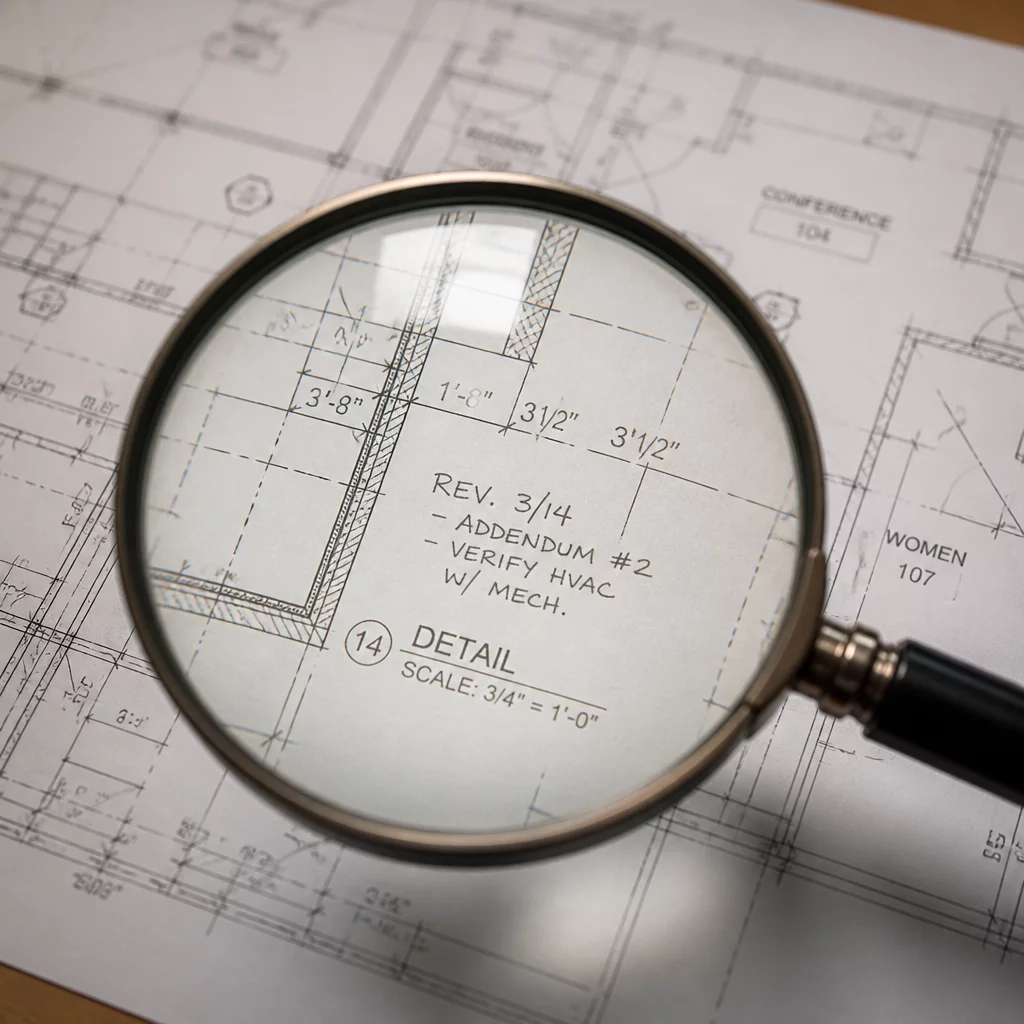
Detecting the Changes That Weren't Clouded
In the high-stakes world of architectural coordination, identifying hidden revisions is not merely a task; it is a defensive strategy. Construction documents are living entities, frequently updated as site conditions evolve and client needs shift. While industry standard dictates that every change be clearly marked with a revision cloud and a delta symbol, reality often differs. In the rush to meet a Friday deadline, a designer might shift a grid line or swap a mechanical unit without flagging the change. These stealth updates, if missed, become expensive field errors, project delays, and potential liability issues.
Why Stealth Changes Happen
Stealth changes typically stem from human error and software complexity. An architect might adjust the layout of a stairwell to meet fire clearance and simply forget to draw the cloud. Alternatively, automated coordination scripts in BIM software might update multiple sheets simultaneously, but the software might not automatically generate the visual markers required for a manual review. This is why a methodology centered on identifying hidden revisions is mandatory for every project coordinator.
- Linework Discrepancies: Small changes in wall thicknesses or door swings that are not immediately obvious.
- Annotation Mismatches: Dimensions that have been overridden manually rather than reflecting the actual modeled distance.
- Hidden Layer Updates: Changes to layers that were turned off in previous sets but are now visible and functional.
Detection Strategies and Tools
Modern document review necessitates a blend of digital precision and logical intuition. Digital comparison software is the first line of defense. By overlaying a previous set of sheets onto the new set, you can instantly see where pixels have shifted. Any color change—typically shown in red or green—indicates a modification. However, you must also look for 'Ghost Revisions'. These occur when the linework stays the same, but the underlying metadata or schedule information changes. Cross-referencing schedules with plans remains a manual but essential task.
Furthermore, checking the 'Context of Change' is vital. If a revision cloud appears on the architectural sheet for a relocated partition, you must immediately check the structural and MEP sheets for the same area. If those sheets were issued without clouds, you have identified a hidden revision that needs a formal RFI. This cross-discipline vigilance ensures that the entire project stays synchronized, preventing clashes before the first shovel hits the ground.
Frequently Asked Questions
Are unclouded changes legally binding?
Yes. Typically, the latest issued set of drawings constitutes the 'Contract Documents,' regardless of whether a specific change was clouded. This is why thorough review is so critical; you are responsible for what is on the page, not just what is highlighted.
What is the fastest way to check for hidden revisions?
Utilizing the 'Overlay Pages' feature in Bluebeam Revu is the industry gold standard. It assigns different colors to two versions of a sheet, making every single line shift or text change glow with high contrast.
Discussion & Feedback
No comments yet. Be the first to share your thoughts on identifying hidden revisions.
Leave a Comment